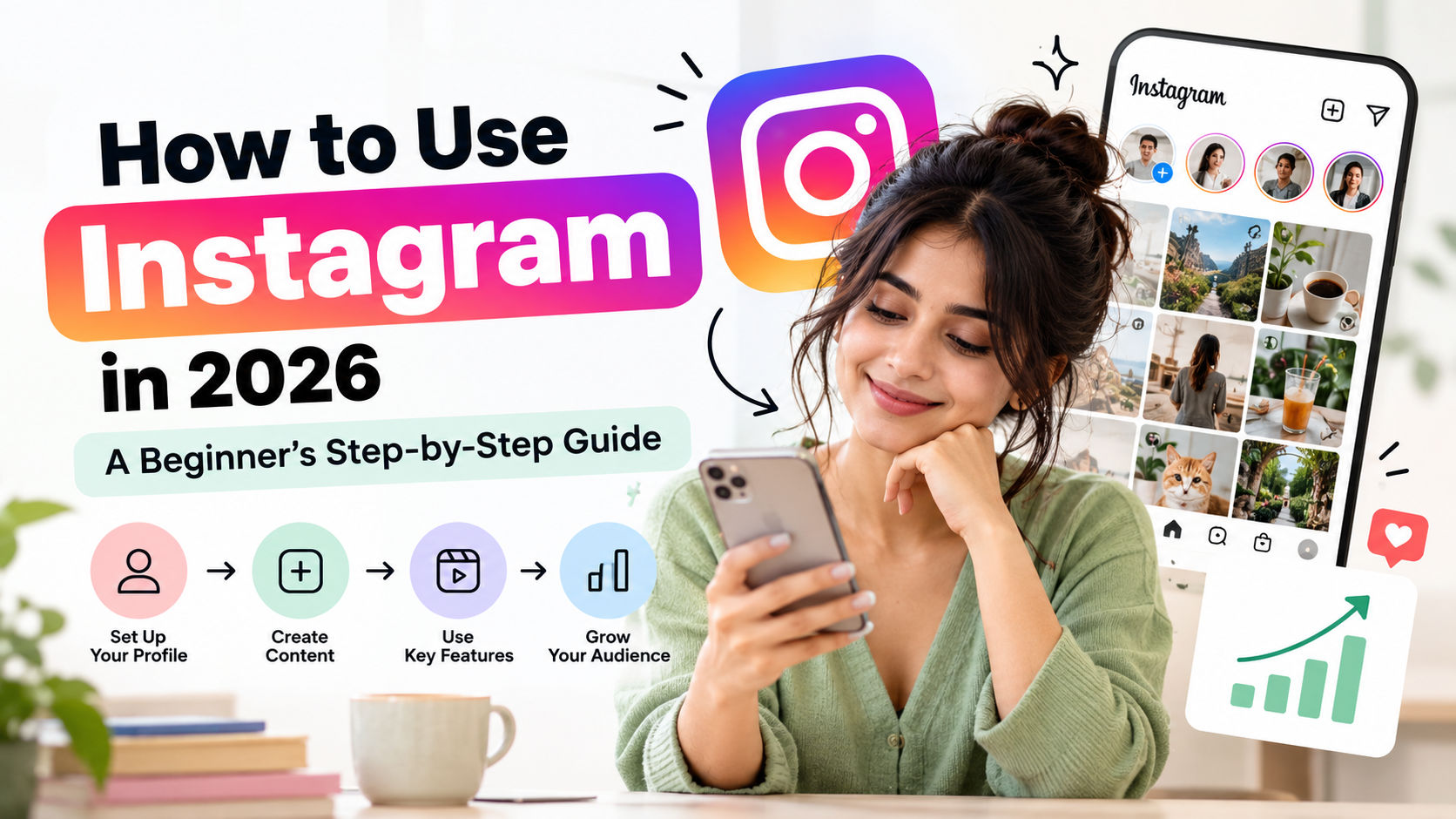
How to use Instagram is one of the most searched questions for new social media users, and the short answer is simple: download the app, create an account, set up a clear profile, and start sharing photos, Stories, and Reels that people actually want to see. Instagram is a free photo and video sharing app owned by Meta, used to follow friends, discover creators, and build a brand.
That sounds easy. And honestly, the basics are. But here’s the thing: most beginners open the app, poke around for five minutes, post one blurry photo, and quit. This guide is here to stop that. By the end, you’ll know how to use Instagram from your first tap to your first hundred followers, without any jargon or guesswork.
Ready? Let’s dive into how to use Instagram, step by step.
How to Use Instagram: Setting Up Your Account
What do you need to learn how to use Instagram? You need a smartphone (or a browser), an email address or phone number, and about ten minutes. That’s it.
Step 1: Download the App and Sign Up
Open the App Store or Google Play, search for Instagram, and install it. Tap Create new account, enter your email or phone number, choose a password, add your birthday, and confirm the code Instagram sends you. Instagram requires users to be at least 13 years old, so keep that in mind if you’re setting up an account for a family member.
Step 2: Choose a Username People Can Remember
What is an Instagram username? It’s the unique @handle that appears in your profile link and every time someone tags you. You can use letters, numbers, periods, and underscores, but no spaces. Keep it short, easy to spell, and close to your name or brand. If your first choice is taken, add a word that describes what you do instead of stacking random numbers.
Step 3: Build a Profile That Makes People Tap Follow
Your profile is your storefront. Visitors decide in a few seconds whether you’re worth following, so make those seconds count.
- Profile photo: Use a clear, well-lit image. A face works best for personal accounts, and a logo works best for brands.
- Name field: Add a keyword people might search for, like “Priya | Travel Photographer.”
- Bio: Say who you help and what you post in one or two lines, then add a call to action such as “New tips every Tuesday.”
- Link: Point to your website, blog, or a single link page.
Personal, Creator, or Business Account?
Which Instagram account type should you choose? Choose Personal if you just want to browse and share with friends. Pick Creator if you’re building an audience as an individual, and Business if you sell products or services. Both Creator and Business accounts unlock Insights, which show who’s watching and what’s working. You can switch anytime from Settings and activity. If you’re serious about learning how to use Instagram for growth, go professional from day one.
How to Use Instagram Feed Posts
What is a feed post? It’s a photo, video, or carousel that lives on your profile grid and shows up in your followers’ feeds. Feed posts are your long-term content library, so treat them like a portfolio.
How to Use Instagram to Post Your First Photo or Video
- Tap the plus (+) icon at the bottom center or top right of the app.
- Select Post and choose one or more photos or videos from your gallery.
- Crop, apply a filter, or adjust brightness. Less is more here.
- Write a caption that opens with a hook, then adds value.
- Tag people or add a location if it fits, then tap Share.
How to Use Instagram Carousels (and Why They Work)
What is a carousel post? It’s a single post with multiple slides that people swipe through, and Instagram lets you add up to 20 photos and videos in one. Carousels work brilliantly for tutorials, checklists, and before-and-after stories, because every swipe counts as engagement. If you want a beginner-friendly format, this is it.
How to Use Instagram Captions and Hashtags
Here’s what most beginners miss: the first line of your caption is your headline. Make it specific and a little curious. After that, tell a short story, share a tip, or ask a question. Then close with a clear next step, like “Save this for later” or “Tell me your favorite in the comments.” As for hashtags, use a handful of relevant ones instead of a giant block. Quality beats quantity every time.
How to Use Instagram Stories
What are Instagram Stories? Stories are photos and short videos that disappear after 24 hours, and they appear in a row of circles at the top of your feed. They’re casual, quick, and perfect for behind-the-scenes moments.
How to Use Instagram Stories: Posting Your First One
Swipe right from your feed, or tap the plus icon and choose Story. Snap a photo, record a video, or upload something from your camera roll. Then add text, music, stickers, or a location before tapping Your story. Each video clip runs about 15 seconds, and longer recordings are split into multiple clips automatically.
How to Use Instagram Stickers to Get People Interacting
- Polls and quizzes: Quick taps that boost participation.
- Questions: Invite followers to ask you anything.
- Links: Send viewers to your blog, shop, or a post.
- Highlights: Save your best Stories to your profile so they stay visible after 24 hours.
Now here’s a pro tip: post Stories most days, even if it’s just one frame. Consistency keeps you visible without needing perfect production, and it’s the easiest way to keep using Instagram without burning out.
How to Use Instagram Reels
What are Instagram Reels? Reels are short vertical videos, up to three minutes long, that Instagram can recommend to people who don’t follow you yet. That makes them your best tool for reaching a new audience.
How to Use Instagram Reels Step by Step
- Tap the plus icon and choose Reel.
- Record clips one at a time, or upload existing videos.
- Add audio from Instagram’s music library, or use your own voice.
- Trim your clips, add captions, and pick a cover image.
- Write a caption, then tap Share.
What Makes a Reel Perform Well?
When you’re learning how to use Instagram Reels, what actually helps a video get watched? Three things: a strong hook in the first two seconds, a clear payoff, and on-screen text so viewers can follow along with the sound off. Instagram pays close attention to watch time, shares, and saves. Keep videos tight, cut dead air, and end with something worth sharing. And don’t chase every trend. Pick the ones that fit your niche.
How to Use Instagram to Connect With Your Audience
Why does engagement matter when you’re figuring out how to use Instagram? Because the app is a social network first and a publishing tool second. Accounts that reply, comment, and message tend to build loyal communities faster than accounts that only broadcast.
- Reply to comments in the first hour after you post.
- Answer Story replies and direct messages personally.
- Comment thoughtfully on posts from accounts in your niche, not just “nice pic.”
- Use Collabs to co-author posts and reach a partner’s audience.
But wait, what about the Explore page? Explore shows content based on what each person likes, so posting on consistent topics helps Instagram understand who should see your work.
How to Use Instagram to Grow Your Followers
How do you grow when you’re just learning how to use Instagram? Pick one niche, post consistently, and focus on formats people can share. Growth is rarely overnight, so patience matters.
A Simple Weekly Plan for How to Use Instagram
- Two to three Reels to reach new people
- One or two carousel or photo posts for your core audience
- Stories on most days for quick updates
- One 20-minute engagement session each day
How to Use Instagram Insights to Track What’s Working
Open Insights from your professional dashboard to see reach, saves, shares, and follower activity. Look for patterns: which topics get saved, which Reels hold attention, and which posting times work best. Then do more of that. It’s simple, but it works.
Common Mistakes When You Learn How to Use Instagram
Everyone stumbles while figuring out how to use Instagram. Here are the mistakes worth dodging.
- Posting randomly: Without a theme, people don’t know why they should follow you.
- Buying followers: Fake followers don’t watch, comment, or buy, and they can drag your reach down.
- Ignoring comments: Silence tells both your audience and the algorithm that you’re not interested.
- Over-editing: Heavy filters make posts look generic.
- Giving up too soon: Most accounts need weeks of steady posting before results show up.
Frequently Asked Questions About How to Use Instagram
Is Instagram free to use?
Yes. Instagram is free to download and use. You only pay if you choose to run ads or promote posts.
Can I use Instagram on a computer?
Yes. You can log in at instagram.com to browse, message, and post from a desktop browser.
How often should I post on Instagram?
Aim for three to five feed posts or Reels a week, plus Stories when you can. Consistency matters more than volume.
How do I get my first 1,000 followers?
Share useful content in one niche, post Reels regularly, engage with similar accounts, and promote your profile on your other channels. It usually takes months, not days.
What’s the difference between a Story and a Reel?
Stories vanish after 24 hours and feel casual, while Reels stay on your profile, are more polished, and reach people who don’t follow you yet.
Can I make money on Instagram?
Yes, through brand partnerships, affiliate links, selling products, and Instagram’s own creator tools where available. Earnings depend heavily on your niche and audience.
Start Using Instagram Today
So, that’s how to use Instagram in a nutshell. Set up a clear profile, learn the core formats (feed posts, carousels, Stories, and Reels), talk to your audience, and check your Insights every week. You don’t need fancy gear or a big following to start. You just need to post your first one. Open the app, pick a topic you know well, and share something helpful today. Now that you know how to use Instagram, the only step left is to post.
Leave a Reply