Instagram Reels vs Posts vs Stories vs Highlights: what is the difference? In short: Posts are permanent photo, video, or carousel uploads that build your profile grid. Reels are short vertical videos designed to reach new people. Stories are casual 24-hour updates for your existing followers. And Highlights are Stories that you save permanently on your profile. Each format has a different job, and using them together is the secret to steady growth.
Sounds simple, right? But here’s the thing: most creators and brands treat these formats like interchangeable buttons. They post a Reel, paste the same clip into Stories, dump it into a Highlight, and then wonder why nothing works. Instagram Reels vs Posts vs Stories vs Highlights isn’t a question of which one is “best.” It’s a question of which one is right for the goal in front of you.
In this detailed guide, you’ll learn what each format is, how to set it up step by step, the best practices that actually move the needle, and the challenges you’re likely to run into (plus how to fix them). Grab a coffee. Let’s get into it.
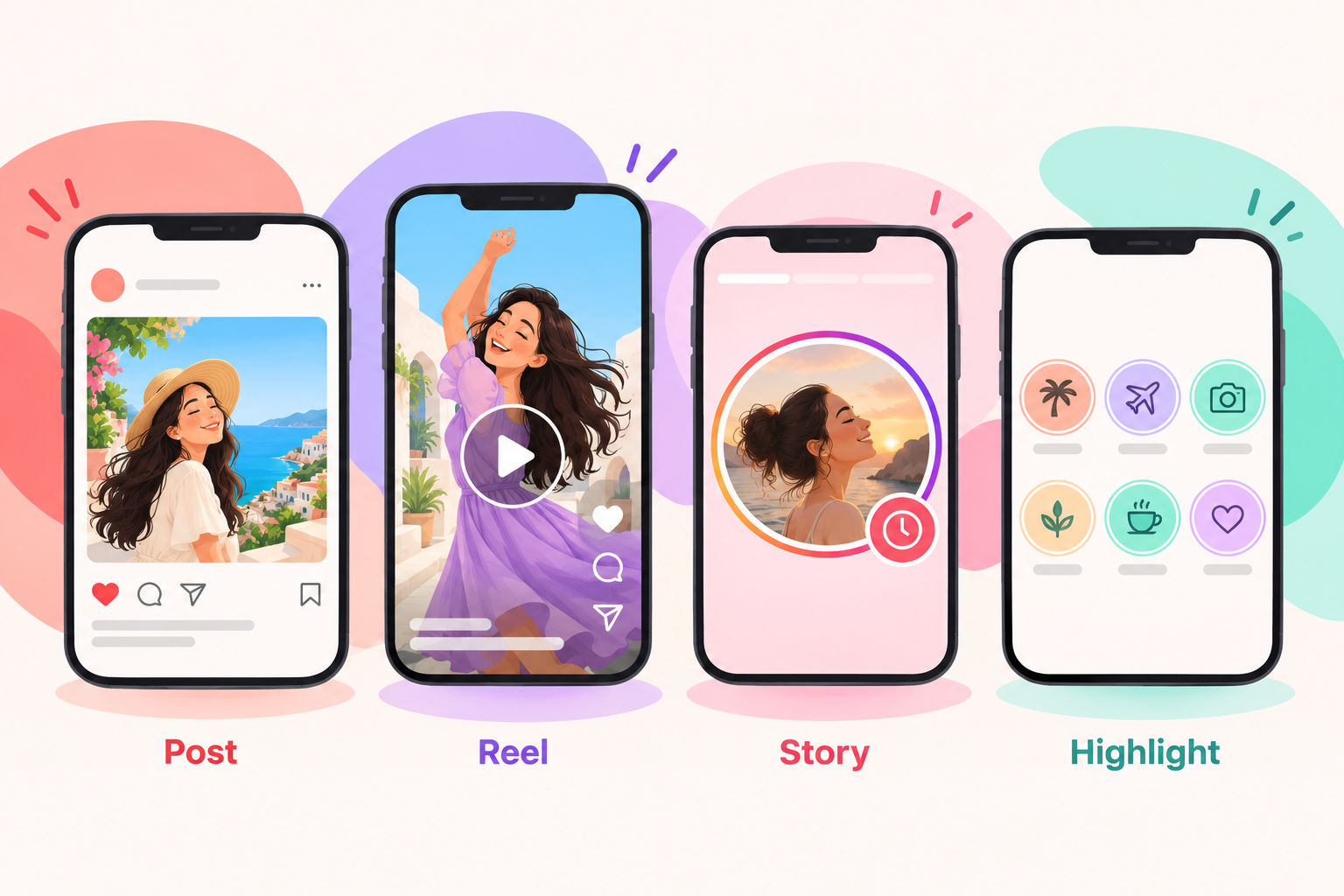
Instagram Reels vs Posts vs Stories vs Highlights: The Quick Comparison
Before we go deep, here’s the cheat sheet. Bookmark this table, because you’ll come back to it.
| Format | How long it lasts | Where it shows up | Main job | Best for |
|---|---|---|---|---|
| Post | Permanent until you delete or archive it | Profile grid, followers’ feeds, Explore, search | Build your portfolio and authority | Photos, carousels, tutorials, announcements |
| Reel | Permanent until you delete or archive it | Reels tab, Explore, feed, profile | Reach new people | Short educational or entertaining videos, trends |
| Story | 24 hours (unless saved) | Story tray at the top of the app, and your profile ring | Stay top of mind with followers | Behind-the-scenes, polls, quick updates, launches |
| Highlight | Permanent until you remove it | Circles under your bio | Organize your best Stories | FAQs, testimonials, product info, services |
Notice the pattern? Reels and Posts focus on discovery and long-term value. Stories focus on daily connection. Highlights focus on making your best Stories easy to find. Now let’s break each one down.
What Are Instagram Posts?
What is an Instagram Post? A Post is a photo, a video, or a carousel of up to 20 slides that you share to your profile grid and your followers’ feeds. Unlike Stories, Posts stay on your profile until you delete or archive them, so they work like a portfolio that new visitors scroll through before deciding whether to follow you. In the Instagram Reels vs Posts vs Stories debate, Posts are your long-term proof of expertise.
What Can You Share as a Post?
- Single photo: Product shots, portraits, quotes, or announcements.
- Carousel: Up to 20 photos and videos in one swipeable post, perfect for tutorials, checklists, and step-by-step stories.
- Video: Instagram now shares most new videos as Reels, so a standalone video often appears in the Reels format.
How to Create an Instagram Post
- Tap the plus (+) icon and select Post.
- Choose one photo or video, or tap the multiple-select icon to build a carousel.
- Pick your crop. Portrait (4:5) takes up the most space in the feed, while square (1:1) is the classic look.
- Apply a filter, or fine-tune brightness, contrast, and warmth in the Edit tab.
- Write your caption. Open with a hook, add value, and finish with a call to action. Captions can run up to 2,200 characters.
- Add alt text, tag people, add a location, and invite a collaborator if you’re co-authoring the post.
- Tap Share.
Best Practices for Instagram Posts
- Treat slide one like a book cover. For carousels, the first slide decides whether anyone swipes.
- Use portrait crops. A 4:5 image takes more screen space. Keep key details near the center, because profile thumbnails crop the edges.
- Front-load your caption. Only the first line or two shows before “more,” so put the hook there.
- Add alt text. It helps people using screen readers and gives Instagram extra context about your image.
- Use keywords naturally. Instagram search reads captions, names, and bios, so write the way people search.
- Keep hashtags relevant. A handful of specific tags beats a giant block of generic ones.
- Stay visually consistent. Similar colors, fonts, and layouts make your grid look intentional.
Challenges With Instagram Posts (and How to Fix Them)
- Lower organic reach: Static images often reach fewer non-followers than Reels. Fix it by leaning on carousels, which invite swipes and saves.
- Grid cropping: Thumbnails can cut off text and faces. Fix it by designing with safe margins and previewing your grid before posting.
- Design time: A great carousel takes planning. Fix it with reusable templates you can restyle in minutes.
- Post and ghost: Sharing and disappearing kills momentum. Fix it by replying to comments in the first hour.

What Are Instagram Reels?
What are Instagram Reels? Reels are vertical videos, up to three minutes long, with built-in tools for music, captions, effects, and remixing. Instagram recommends them to people who don’t follow you yet through the Reels tab, Explore, and the feed, which makes Reels your strongest tool for reaching a new audience. In the Instagram Reels vs Posts vs Stories comparison, Reels win on reach.
Reels Specs at a Glance
- Aspect ratio: 9:16 vertical. 1080 x 1920 pixels is the ideal size.
- Length: Up to three minutes, though shorter Reels often hold attention better.
- Cover: Choose a frame from the video or upload your own image, and keep text away from the edges.
- Audio: Instagram’s music library, original audio, or your own voiceover.
How to Create a Reel
- Tap the plus (+) icon and select Reel.
- Record clips with the capture button, or upload videos from your gallery.
- Tap Audio to browse trending or saved tracks, or record your own voice.
- Use the edit tools to trim clips, change speed, and add text, stickers, and captions.
- Tap Next, choose a cover, write your caption, and tag people or topics.
- Decide whether the Reel should also appear on your profile grid and feed, then tap Share.
- If your account has it, consider Trial Reels to test a video with non-followers before showing it to your followers.
Best Practices for Instagram Reels
- Hook viewers in the first two seconds. Start with the result, a bold question, or fast movement.
- Add on-screen text and captions. Many people watch with the sound off.
- Cover one idea per Reel. Cut pauses, filler, and long intros.
- End in a way that invites a replay. A loop-friendly ending boosts watch time.
- Post original content. Instagram has said it favors original videos over recycled clips with other apps’ watermarks.
- Use trends selectively. Jump on a trend only when it fits your niche and your voice.
- Ask for one action. Save it, share it, or follow. Not all three.
- Study retention in Insights. See where people drop off, then fix that moment in the next Reel.
Challenges With Instagram Reels (and How to Fix Them)
- Production time: Filming and editing take effort. Fix it by batch-filming three to five Reels in one session.
- Trend fatigue: Chasing every trend is exhausting. Fix it by picking one trend in three that truly fits your brand.
- Unpredictable views: One Reel might flop while the next takes off. Fix it by judging patterns across ten or more Reels, not one.
- Music limits: Business accounts may have a smaller commercial music library. Fix it with original audio, voiceovers, or licensed tracks.
- Camera shyness: Not everyone wants to be on screen. Fix it with screen recordings, hands-only shots, or text-led Reels with a voiceover.
What Are Instagram Stories?
What are Instagram Stories? Stories are photos and short videos that appear in a tray at the top of the app and disappear after 24 hours. They’re built mostly for people who already follow you, so they feel more casual, personal, and immediate than Posts or Reels. When you weigh Instagram Reels vs Posts vs Stories, Stories win on intimacy.
Why Do Stories Matter?
Why bother with something that vanishes? Because Stories build familiarity. Regular Stories keep you visible, invite two-way conversation through stickers and replies, and warm up your audience before you ever ask them to buy, book, or subscribe.
How to Create a Story
- Swipe right from your feed, or tap the plus (+) icon and choose Story.
- Take a photo or video, or upload something from your camera roll.
- Tap the Aa icon to add text, and the sticker icon to add music, GIFs, a location, or interactive elements.
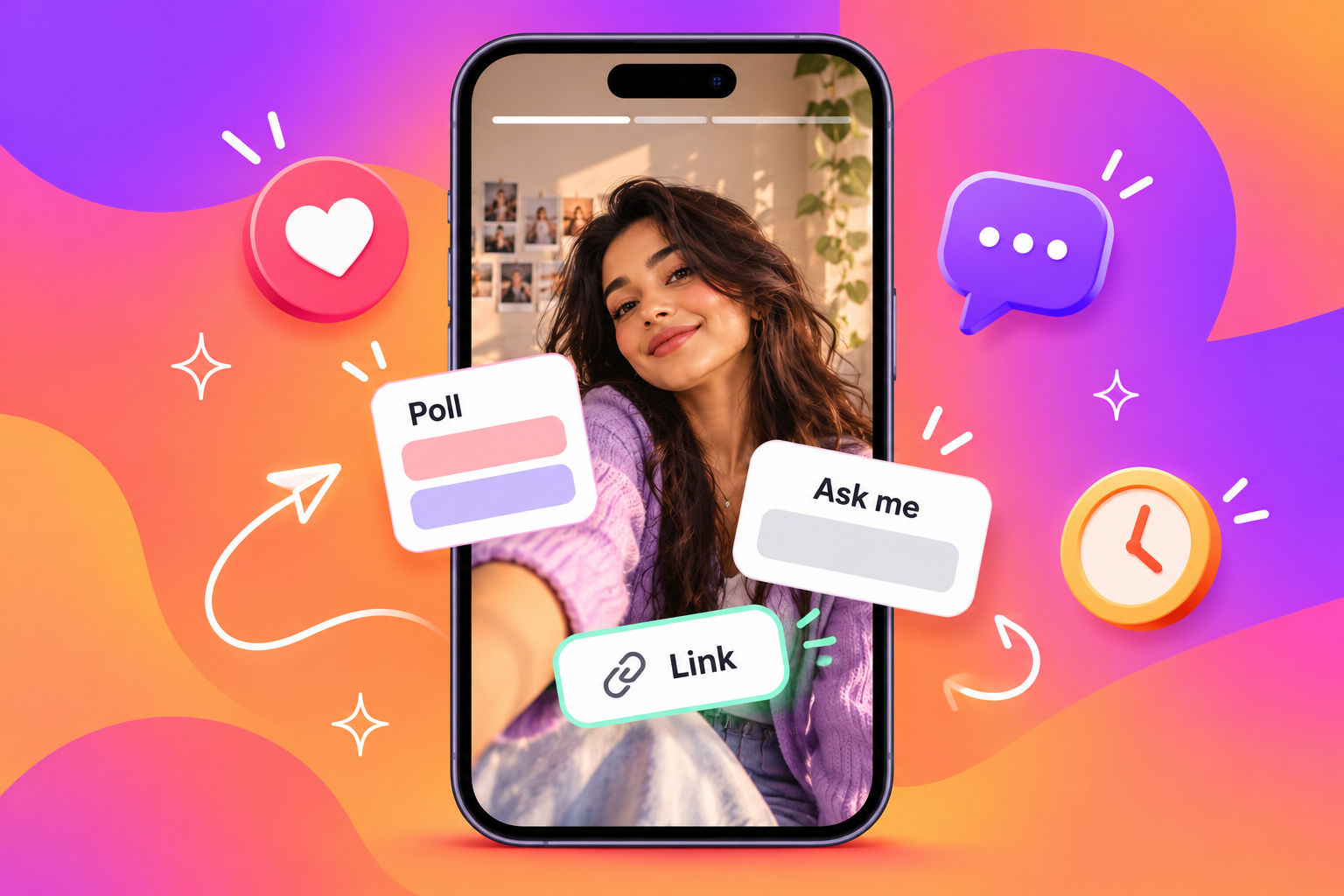
- Try interactive stickers such as polls, questions, quizzes, countdowns, and links.
- Choose who sees it: your followers, Close Friends only, or specific people through a message.
- Tap Your story to publish.
Best Practices for Instagram Stories
- Post in short sequences. Three to seven frames with a clear beginning and end beat a single random frame.
- Use an interactive sticker daily. Polls and question boxes turn viewers into participants.
- Respect the safe zone. Keep text away from the very top and bottom, where the app’s buttons cover it.
- Show the human side. Behind-the-scenes moments and faces beat polished perfection.
- Add a link sticker for big promotions. Make the next step obvious.
- Use Close Friends for VIP content. Early access and exclusive offers make people feel special.
- Save your best Stories to Highlights. Otherwise they vanish after a day.
- Check the numbers. Taps forward, exits, and replies show you what to keep and what to cut.
Challenges With Instagram Stories (and How to Fix Them)
- Daily pressure: Showing up every day is tough. Fix it with simple routines such as tip Mondays and Friday Q&A.
- Limited reach: Only a slice of your followers sees each Story. Fix it with stickers, short sequences, and posting when your audience is active.
- Tap-forward drop-off: People skip boring frames. Fix it by keeping frames short, varied, and value-first.
- Short shelf life: Great Stories disappear in 24 hours. Fix it by saving the best ones to a Highlight.
What Are Instagram Highlights?
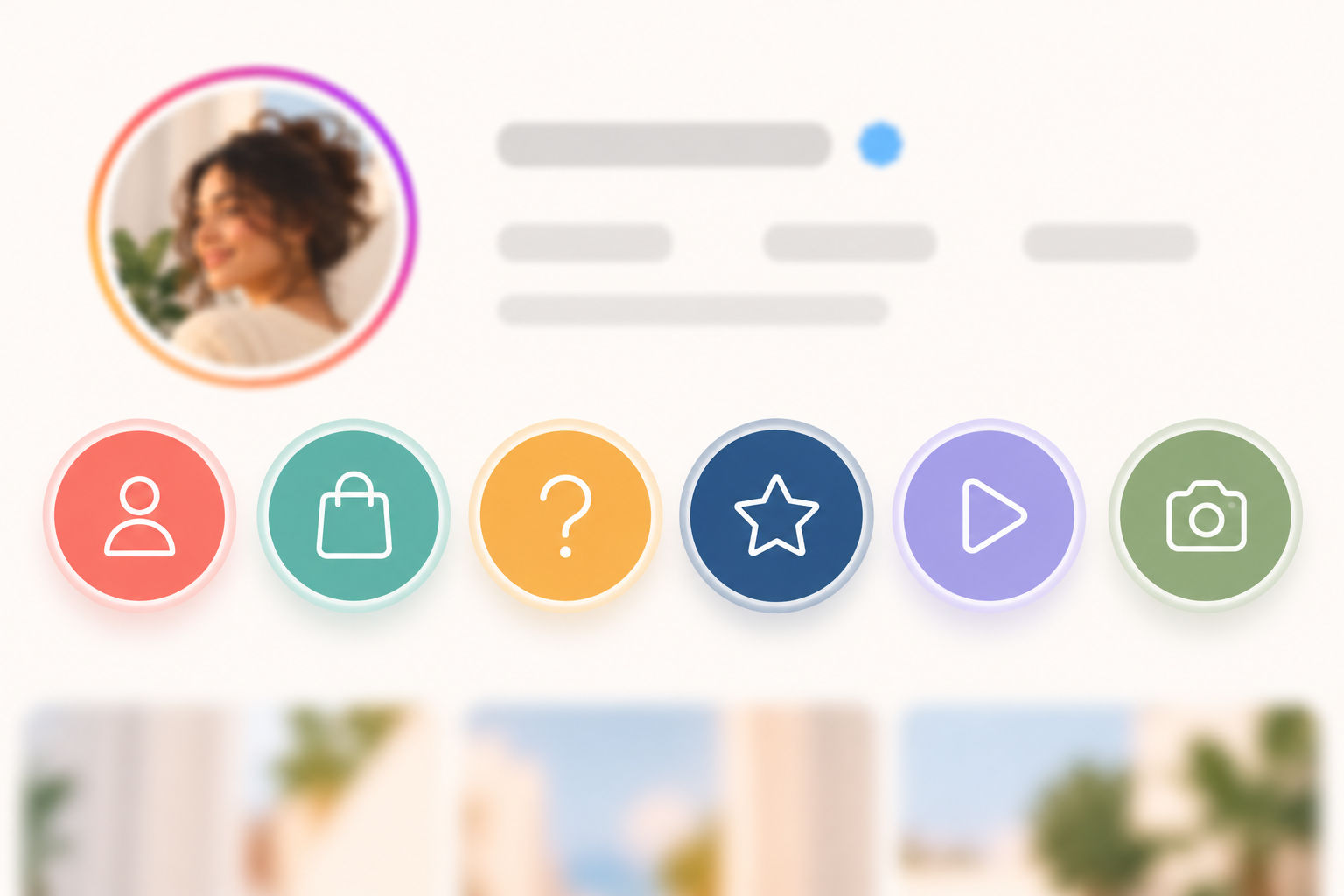
What are Instagram Highlights? Highlights are collections of Stories that you pin permanently to your profile, displayed as circles under your bio. They don’t expire, so they act like a mini website: a place where new visitors learn who you are, what you offer, and why they should trust you. Highlights tie the whole Instagram Reels vs Posts vs Stories mix together.
What Should You Put in Highlights?
- About or Brand Story: Who you are and why you do this.
- Products or Services: What you offer, with quick demos.
- FAQs: Answers to questions you get every week.
- Reviews and Testimonials: Proof that people love your work.
- How It Works: Tutorials and step-by-step guides.
- Offers and Launches: Current deals or past campaigns.
- Behind the Scenes: Your team, events, or travel moments.
How to Create a Highlight
- Go to your profile and tap the plus (+) icon next to your Highlights, or tap New.
- Select the Stories you want from your Archive (or, while viewing one of your live Stories, tap Highlight).
- Tap Next, choose a cover from a Story frame or upload a custom image, and give the Highlight a short name.
- Tap Add. To make changes later, press and hold the Highlight and choose Edit Highlight.
Best Practices for Instagram Highlights
- Keep names short. Around 15 characters or fewer so they don’t get cut off under the circle.
- Design matching covers. Simple icons and your brand colors make your profile look polished.
- Lead with what new visitors need. Put your About and Offers Highlights where people see them first.
- Keep each Highlight focused. One topic per Highlight, roughly five to ten Stories.
- Add text to every frame. Visitors often browse with the sound off.
- Refresh regularly. Remove outdated prices, expired offers, and old announcements.
Challenges With Instagram Highlights (and How to Fix Them)
- Outdated content: Old offers hurt trust. Fix it with a quarterly audit.
- Messy covers: Mismatched icons look unprofessional. Fix it with one reusable template.
- Too many circles: Twenty Highlights overwhelm visitors. Fix it by keeping four to six.
- Weak source Stories: A Highlight is only as good as the Stories inside it. Fix it by recording Stories with Highlights in mind, such as a dedicated FAQ series.
- Cropped covers: Icons can get cut off in the circle. Fix it by centering your design with plenty of padding.
Instagram Reels vs Posts vs Stories vs Highlights: Key Differences Explained
Reach and Discovery
Which format reaches the most new people? Reels usually lead, because Instagram recommends them to non-followers. Posts, especially carousels, can also show up on Explore and in search. Stories mostly reach your existing followers, and Highlights mostly reach people who already visit your profile.
Lifespan and Longevity
Which format lasts the longest? Posts, Reels, and Highlights stay on your profile until you remove them, while Stories vanish after 24 hours unless you save them. That affects strategy: evergreen ideas belong in Posts and Highlights, and timely updates belong in Stories.
Production Effort
Which is the easiest to make? Stories, by a mile. Posts take moderate design time. Reels demand the most planning, filming, and editing. Highlights are quick, as long as you already have strong Stories to save.
Type of Engagement
How do people interact with each format? Posts collect saves, shares, and comments. Reels collect views, shares, and follows. Stories collect replies, poll votes, and link taps. Highlights collect profile visits and taps through your key information.
Where Each Format Fits in the Customer Journey
- Awareness (strangers): Reels and carousel Posts introduce you to new people.
- Consideration (profile visitors): Posts and Highlights prove you’re worth following.
- Loyalty and conversion (followers): Stories and Highlights nurture trust and drive action.
Which Instagram Format Should You Use? A Goal-Based Guide
Still unsure how to decide between Instagram Reels vs Posts vs Stories? Match the format to your goal.
- Want more followers? Start with Reels, then support them with carousel Posts.
- Want to educate your audience? Use carousels and tutorial Reels, and save the answers you repeat to Highlights.
- Want to sell? Use Stories with link stickers, product Posts, and Highlights for offers and reviews.
- Want to build a community? Use Stories with polls, questions, and replies.
- Want credibility? Use Posts and Highlights filled with testimonials, case studies, and results.
- Have a time-sensitive announcement? Share it in Stories first, then follow up with a Post.
How the Four Instagram Formats Work Together: A Sample Weekly Plan
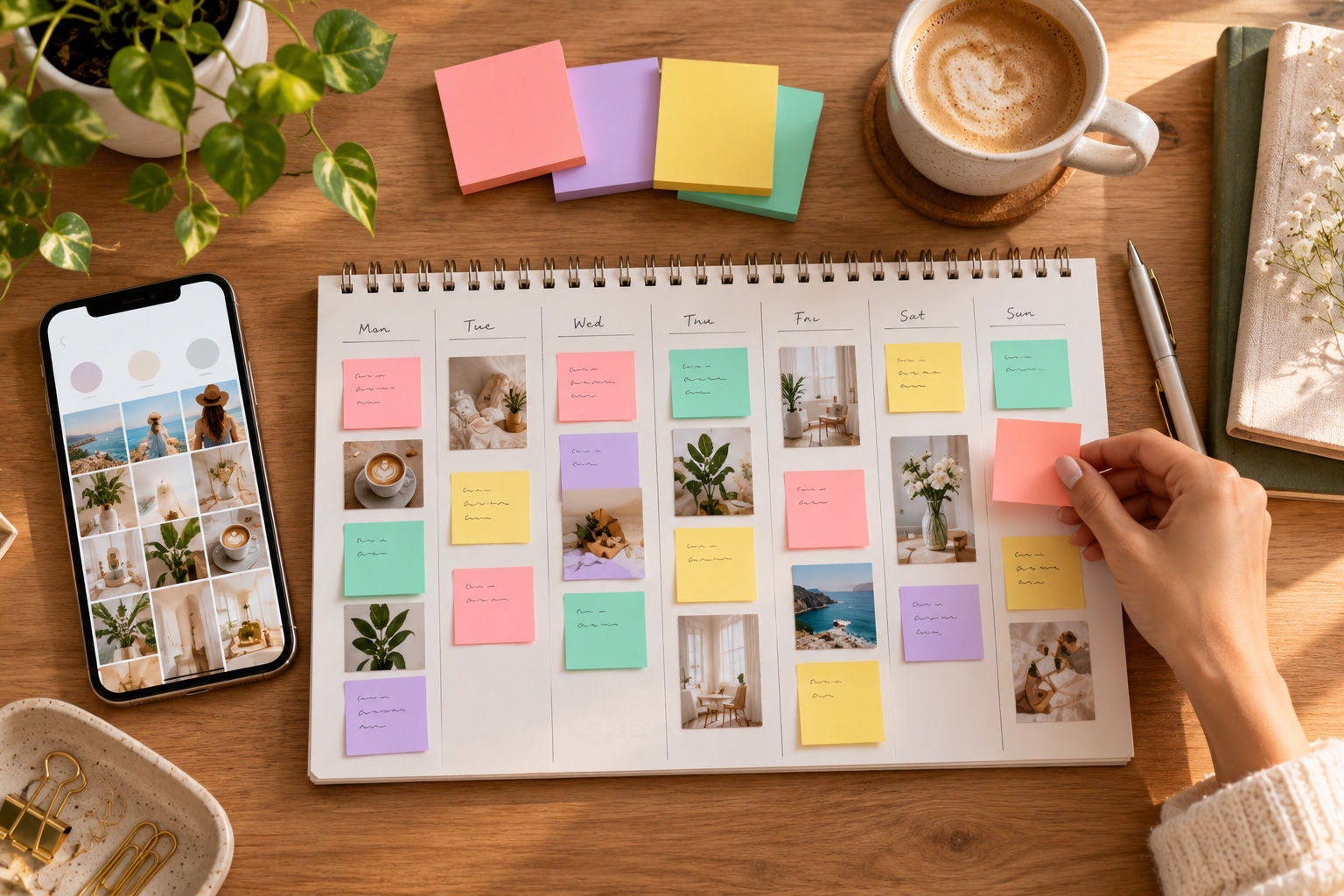
Here’s the good news: you don’t have to choose. The smartest answer to Instagram Reels vs Posts vs Stories is to use all four formats in a loop. A Reel brings a stranger in. Your Posts and Highlights convince them to follow. Your Stories turn them into fans. Then the cycle repeats. Here’s a simple weekly rhythm you can adapt.
| Day | Format | Idea |
|---|---|---|
| Monday | Reel | A quick tip that solves one specific problem |
| Tuesday | Story | A poll or question about Monday’s tip |
| Wednesday | Carousel Post | A deeper step-by-step guide on the same topic |
| Thursday | Story | Behind-the-scenes of how you work |
| Friday | Reel | A myth-busting or trend-based video |
| Saturday | Story | A Q&A session using the question sticker |
| Sunday | Highlight | Save the week’s best Stories to the right Highlight |
Best Practices That Apply to Every Instagram Format
These habits work no matter which side of Instagram Reels vs Posts vs Stories you spend the most time on.
- Know the goal of each piece. Reach, trust, or sales. Decide before you create.
- Keep a consistent look and voice. Colors, fonts, and tone make you recognizable.
- Optimize your profile. Your name, bio, and link are the landing page for every format.
- Add captions and alt text. It makes your content accessible and easier to follow.
- Reply to comments and messages. Engagement is a two-way street.
- Check Insights weekly. Track reach, watch time, saves, shares, and replies.
- Repurpose smartly. Turn one idea into a Reel, a carousel, and a Story sequence, but adapt each version instead of copying and pasting.
- Test one thing at a time. Change the hook, the cover, or the posting time, not everything at once.
- Avoid engagement bait. Ask real questions instead of begging for likes.
Common Challenges Across Instagram Content (and How to Solve Them)
Almost everyone runs into the same hurdles when balancing Instagram Reels vs Posts vs Stories. Here are the big ones, with fixes.
- Inconsistent posting: Build a simple content calendar and batch-create on one day a week.
- Algorithm changes: Focus on fundamentals that stay stable: watch time, shares, saves, and useful content.
- Low engagement: Ask better questions, reply faster, and collaborate with creators in your niche.
- Creative burnout: Define three to four content pillars and rotate them so you’re never starting from a blank page.
- Measuring success: Pick one or two key metrics per format instead of tracking everything.
- Doing too much at once: Start with two formats you can keep up, then add the rest.
Frequently Asked Questions About Instagram Reels vs Posts vs Stories vs Highlights
Which is better: Reels or Posts?
Neither is better, because they do different jobs. Reels are stronger for reaching new people, while Posts (especially carousels) are stronger for teaching and getting saves.
Do Instagram Stories still matter?
Yes. Stories keep you visible to existing followers and turn casual fans into customers through replies, polls, and link stickers.
Can I turn a Story into a Highlight?
Yes. Open the Story (live or from your Archive), tap Highlight, choose or create a Highlight, and it stays on your profile until you remove it.
How long do Instagram Stories last?
Stories disappear from public view after 24 hours. You can keep them privately in your Archive or save them to a Highlight.
Can I share a Reel to my Story?
Yes. Tap the paper-plane share icon on the Reel and choose to add it to your Story.
How many Highlights should I have?
Four to six focused Highlights are plenty for most accounts. Too many can overwhelm new visitors.
Should I post the same content in every format?
No. Adapt the idea to the purpose of each format instead of copying and pasting the same file everywhere.
How often should I post each format?
A realistic starting point is two to three Reels a week, one to three feed Posts, Stories on most days, and a Highlights refresh once a month.
Final Thoughts: Choose the Right Instagram Format for the Right Job
So, Instagram Reels vs Posts vs Stories vs Highlights: which one wins? All of them, when they work together. Reels bring people in, Posts show your expertise, Stories build relationships, and Highlights turn curious visitors into followers. Start with two formats you can realistically keep up, get comfortable, and then add the rest. Pick one idea today and turn it into a Reel, a carousel, and three Stories. Then check your Insights next week and see what happened.
Leave a Reply